
Admittedly, it was quite some time ago that Norton sent me their VPN Standard pack to review. But in the spirit of transparency, I was waiting for the right time to put it to a true test, and last week that time arose – 5 days in China.
For those that may not know, when your eco-system revolves around Google, traveling/working in China becomes a bit of a pain. From emails to docs, socials and video uploads to YouTube can be soul destroying in terms of time and access. Enter the VPN.
A Virtual Private Network isn’t quite an invisibility cloak, but it’s probably the closest thing most of us will ever get to one. And now that we’re spending more time online than ever (whether that’s working, banking, streaming, shopping or researching why the check-engine light has suddenly appeared on the dashboard) having a VPN has become considerably more appealing. As I said, especially in China.
Norton is, of course, no stranger to the world of digital security. But Norton VPN Standard is interesting because it isn’t trying to be an all-singing, all-dancing antivirus suite. It’s just a VPN.
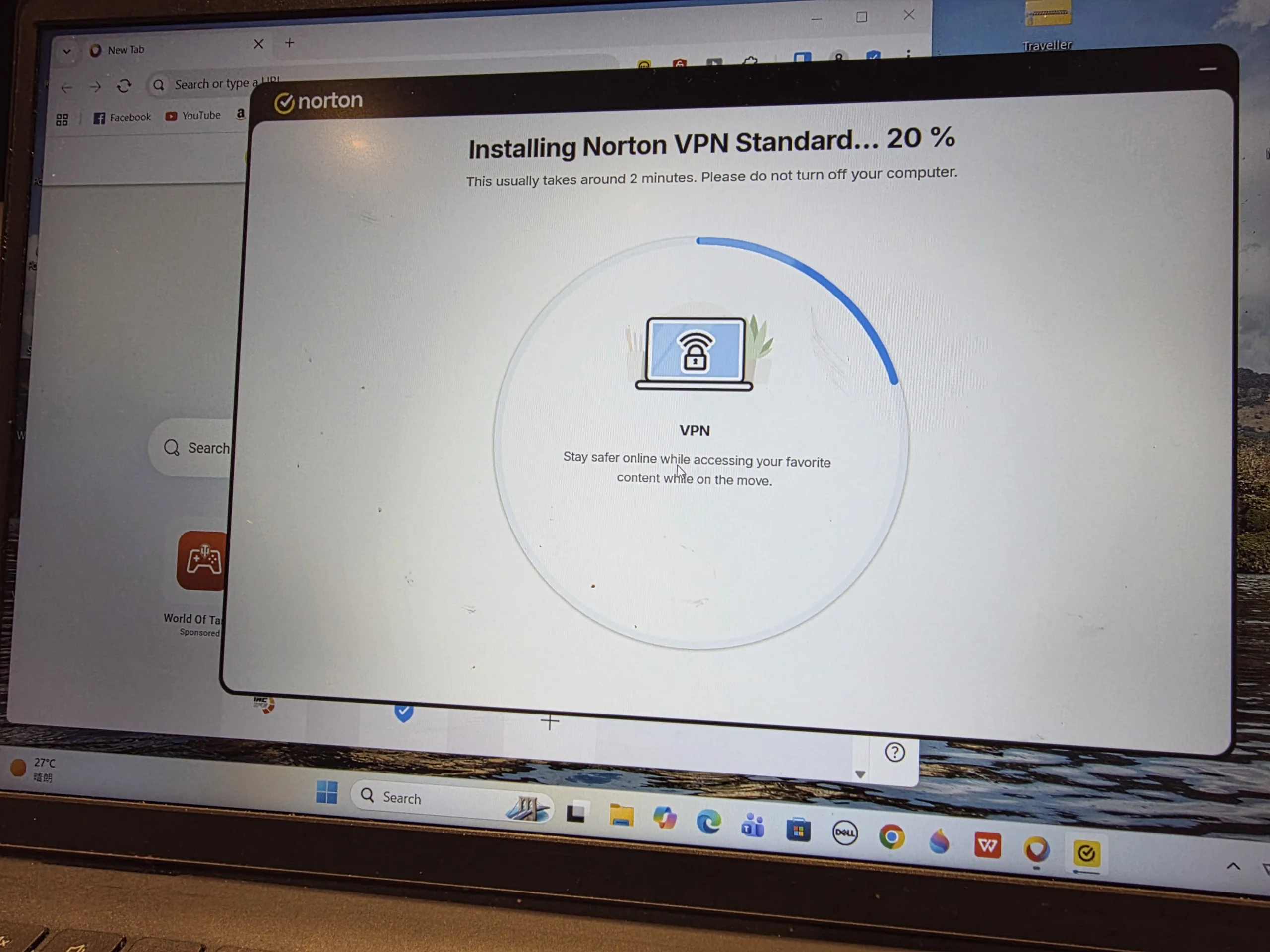
First things first – what actually is Norton VPN?
Norton VPN is the company’s standalone virtual private network service, designed to encrypt your internet connection, hide your IP address and make it considerably harder for websites, advertisers and other parties to work out exactly where you’re connecting from.
The current Norton VPN offering has been substantially revamped compared with the company’s older Norton Secure VPN product. Independent testing now places it firmly in the serious-VPN category, rather than the “we put a VPN button in our antivirus software because everyone else did” category.
The latest Norton VPN supports WireGuard, OpenVPN and Norton’s own Mimic protocol, while selected platforms also support IPSec. WireGuard is now available across Windows, Mac, Android and iOS, following its arrival on Apple’s platforms in 2026. In other words, Norton has finally stopped treating its VPN as the side dish, it’s now part of the main course.
What’s in the Standard box?
The New Zealand version of Norton VPN Standard currently costs NZ$69.99 for the first year, down from the listed NZ$89.99 annual price, although the promotional price automatically renews at NZ$89.99 unless cancelled. It includes a seven-day free trial, although a payment method is required.
And there’s an important catch, Standard is for one device.
That’s fine if you want to protect your laptop, phone or tablet individually, but it’s worth thinking about before handing over the credit card.
Your average household now has more internet-connected hardware than a small IT department. Phone, laptop, tablet, smart TV, work computer… suddenly that one-device limit looks rather restrictive.
Norton offers Plus and Ultimate plans for users wanting more devices and additional security features, but Standard is deliberately the entry point.
The good news is that the VPN itself isn’t artificially crippled. You get: IP masking, VPN encryption, No-log policy, Kill Switch, Ad Blocker, Tracker Blocker, IP Rotation, Double VPN/Multi-Hop, Access to international server locations, P2P support, Auto-connect, Multiple VPN protocols. That’s a fairly healthy shopping list.

Installation: gloriously uncomplicated (Kind of)
One of the things Norton gets right is making the whole process relatively painless. Download the application, sign into your Norton account, choose a location and hit connect. That’s it.
There isn’t a requirement to understand the difference between TCP and UDP, explain quantum physics to your router or sacrifice a goat to the networking gods. The interface is deliberately straightforward, with a large central connection button doing exactly what you would expect.
Independent hands-on testing found connection times of around one to two seconds, which is properly quick. For people who don’t want to spend their evening configuring a VPN, that’s a big tick.
However. With my laptop being previously covered, I made the rookie error of enthralling the VPN to my smartphone, and as I discovered, there are some hoops required to leap through to transfer from one device to another.
So, what does a VPN actually do?
Let’s make this simple. Normally, when you connect to a website, your device communicates through your internet connection and your IP address can provide information about where that connection originates.
A VPN effectively creates an encrypted tunnel between your device and the VPN server. Instead of websites seeing your normal IP address, they see the VPN server’s IP.
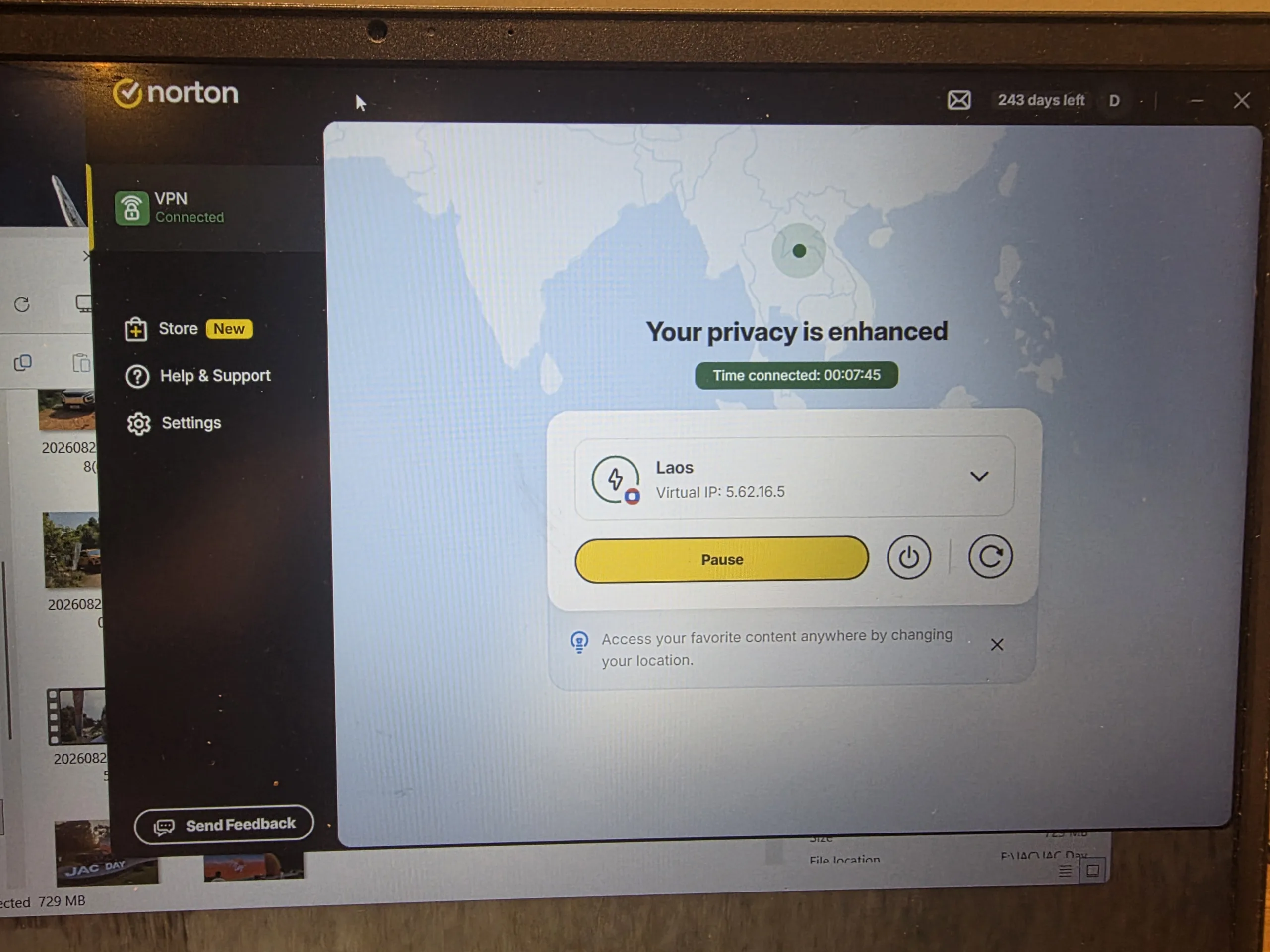
So, for example, you could be sitting in Auckland while appearing to connect through a server in London. Or in my case, sitting in China and appearing to be in Laos.
Useful? Absolutely. Magic? Not quite.
A VPN doesn’t make you completely anonymous online. Websites can still identify you through things such as accounts, cookies and browser fingerprinting.
What it does do is substantially improve the privacy of your connection and make your internet traffic much harder to intercept or associate directly with your real IP address.
And that’s particularly useful when you’re connecting to unfamiliar Wi-Fi.
Public Wi-Fi: where the VPN really earns its keep
Think about the number of places where you’ve connected to Wi-Fi. Cafés, Hotels, Airports, Conference centres. Maybe even that suspiciously generous free Wi-Fi at a motorway service station. You don’t necessarily know how that network is configured or who else is using it.
Norton VPN’s automatic connection functionality can be configured to activate when it detects an unsecured Wi-Fi network. That’s exactly the sort of feature that works quietly in the background rather than requiring you to remember to switch it on.
Kill Switch – the safety net you actually want
One of the most important features of any VPN is the Kill Switch. The reason is simple, if your VPN connection suddenly drops, your device could potentially revert to its normal internet connection. The Kill Switch is designed to prevent that by blocking internet traffic if the VPN connection disappears.
In independent testing, Norton VPN’s Kill Switch performed well across Windows, macOS, Android and iOS, including when the VPN was deliberately disrupted.
That’s reassuring because a VPN that protects you right up until the moment it doesn’t isn’t terribly useful.
Double VPN: because apparently one tunnel isn’t enough
Norton also offers Multi-Hop, which routes your connection through two VPN servers rather than one. Think of it as taking the scenic route. Instead of: You → VPN server → Internet. you get: You → VPN server → second VPN server → Internet
The advantage is an additional layer of privacy. The downside is that your data has further to travel, so performance inevitably takes a hit.
Norton’s implementation currently offers several predefined Double VPN routes, including an Australia-New Zealand option, as well as Canada-US, Germany-UK and Japan-Taiwan combinations.
That’s particularly interesting for Kiwi users. The Australia-New Zealand pairing is a nice touch, although the lack of complete user-configurable Multi-Hop routes means more advanced users may find the system somewhat restrictive.
IP Rotation is a clever trick
Another interesting feature is IP Rotation. Rather than simply connecting you to a VPN server and keeping the same virtual IP address, Norton can periodically change the IP address associated with your connection.
The idea is simple: if your virtual IP keeps changing, it’s harder for trackers to associate your activity with one particular address. It’s available in selected locations including Australia, Canada, Germany, Japan, the UK and US.
It’s not something the average user necessarily needs to fiddle with every five minutes, but it’s a useful addition for the privacy-conscious.
And then there’s streaming
Because a VPN can make you appear to be connecting from another country, it can potentially give you access to content libraries that aren’t normally available in your location.
Independent testing of Norton VPN found impressive results, successfully accessing Netflix libraries in the US, UK, Australia, Canada and Japan, along with Amazon Prime Video, Disney+, BBC iPlayer, ITV, Channel 4 and TVNZ+.
That’s particularly relevant here in New Zealand. We’re used to discovering that the thing everyone overseas is talking about isn’t actually available on our local streaming service.
With Norton VPN, changing your virtual location can potentially open another door. Of course, streaming providers are continually changing how they detect VPNs, so no VPN can honestly promise that every service will work forever.
What about speed?
Because your internet traffic is being encrypted and routed through another server, VPNs can reduce connection speeds. The question isn’t whether that happens, the question is whether you notice.
Independent testing of Norton VPN recorded average WireGuard speeds of around 1,010Mbps on a local connection and 782Mbps on a US-to-UK connection. OpenVPN was slower, at approximately 514Mbps locally and 307Mbps between the US and UK.
Those are seriously healthy numbers. In real-world terms, most people aren’t going to be sitting around lamenting the loss of several hundred megabits per second.
4K Netflix streaming, for example, requires around 25Mbps, while even demanding online gaming generally needs considerably less bandwidth than Norton VPN’s tested throughput.
Latency is more important for gaming, and Norton also performed well in independent testing. For normal browsing, streaming, downloading and gaming, performance shouldn’t be the thing that puts you off.
My Chinese Takeaway
As expected, the wifi and internet speed in Chinese hotels is fast, however, as I outlined earlier, pretty useless for those of us that live in a Google/Westernised Social environment. When travelling I tend to use Airalo for mobile, it’s pretty good for IG and FB posts, BUT, its unlimited data promise grinds to a near halt when trying to upload a 10 minute video to YouTube. Frustrated much – YEP.
So after what seemed some jiggery-pokery (in fact it was a well-informed transfer process), I moved Norton from phone to lappy and the video-loading process moved from 12+hours to 40 mins. All with the internet thinking I was in Laos and Norton protecting my honour – it was seriously life-changing.
Top marks.
The Tarmac Takeaway
Norton VPN Standard is a bit like a modern car with a very clever driver-assistance system. You don’t necessarily need to know what’s happening underneath, you just want it to work. And, for the most part, Norton VPN does.
The big change compared with Norton’s older VPN offering is that this is no longer a token privacy feature attached to an antivirus product. Norton has built a proper VPN with modern protocols, strong encryption, audited privacy credentials, impressive streaming performance and very good speeds.
It’s also refreshingly easy to use. Because the best security product in the world is fairly useless if everyone switches it off because it’s too complicated. Norton VPN Standard’s biggest weakness is the one-device restriction. In a world where one person can easily have a phone, laptop, tablet and smart TV connected to the internet, limiting the entry-level plan to one device feels a little stingy.
But if you’re a solo user who wants a straightforward VPN for a laptop or phone, it’s a compelling proposition. The streaming performance is particularly strong, the connection speeds are excellent and the privacy credentials have been independently scrutinised.
It’s not the most configurable VPN on the market, it’s not the cheapest once the promotional pricing disappears. And it’s certainly not aimed at the sort of VPN nerd who wants to manually select a server based on ping time, load and whether Mercury is currently in retrograde.
But for everyone else? Norton VPN Standard is fast, secure, simple and surprisingly capable. And in the increasingly murky world of online privacy, that’s a pretty good place to be.

Bottom line
Buy it if: You want an easy-to-use, fast VPN from an established security company, particularly if streaming and privacy are priorities. Think twice if: You need to protect multiple devices, want Linux support, or enjoy having granular control over every aspect of your VPN connection.
Norton has finally turned its VPN from the quiet kid at the back of the cybersecurity classroom into a genuine contender. It isn’t perfect, but Norton VPN Standard is now a serious piece of privacy software, and considerably more interesting than its rather sensible name suggests.